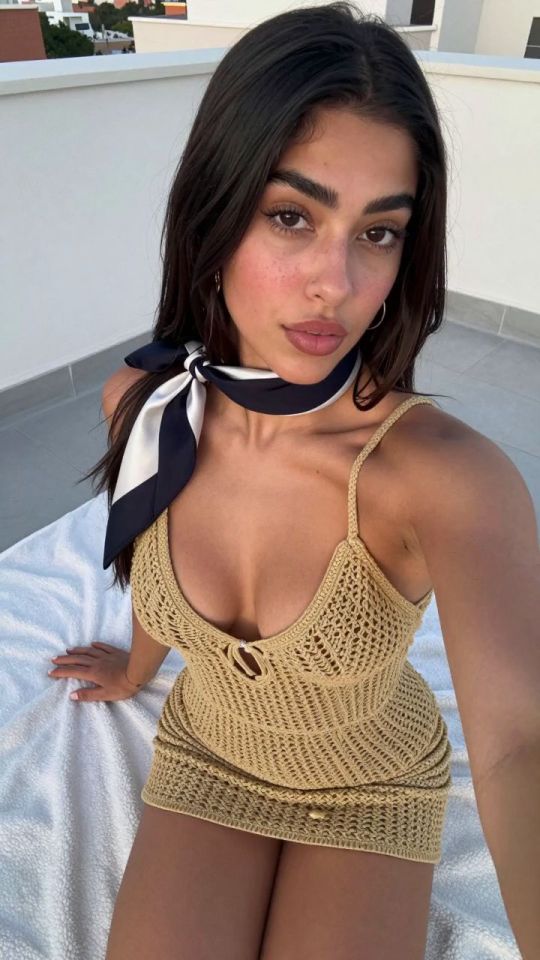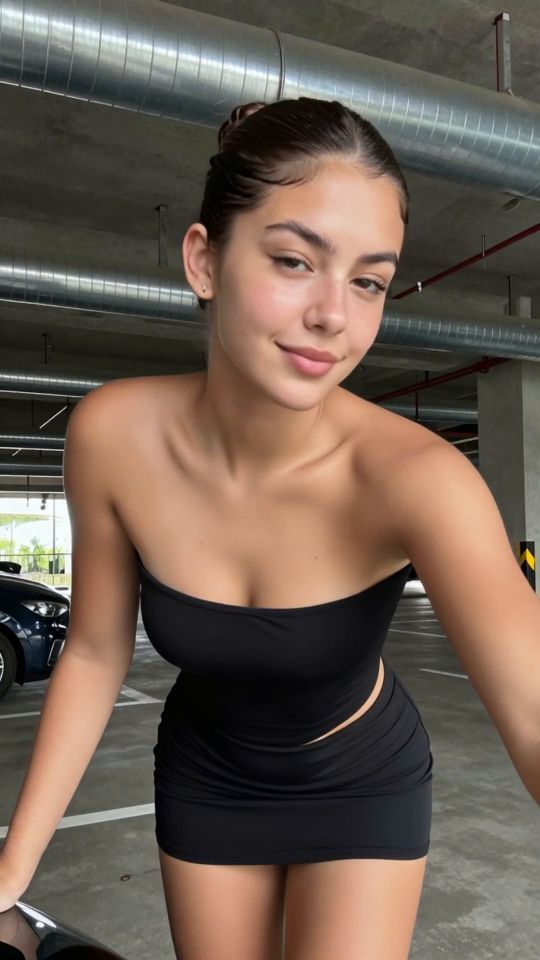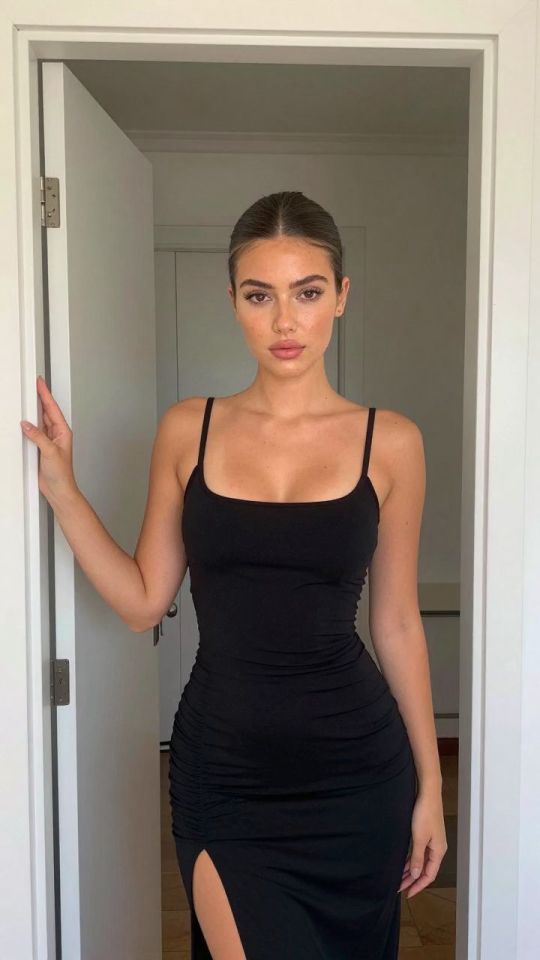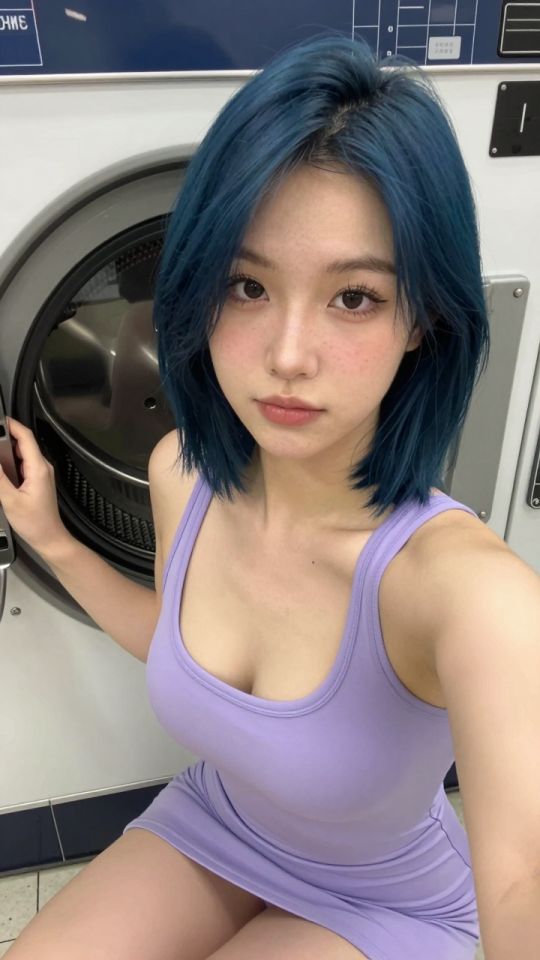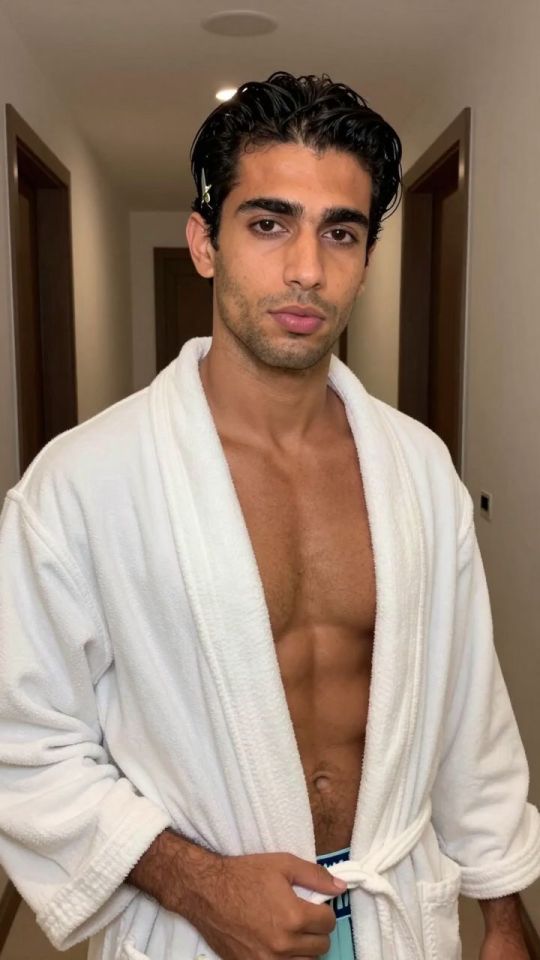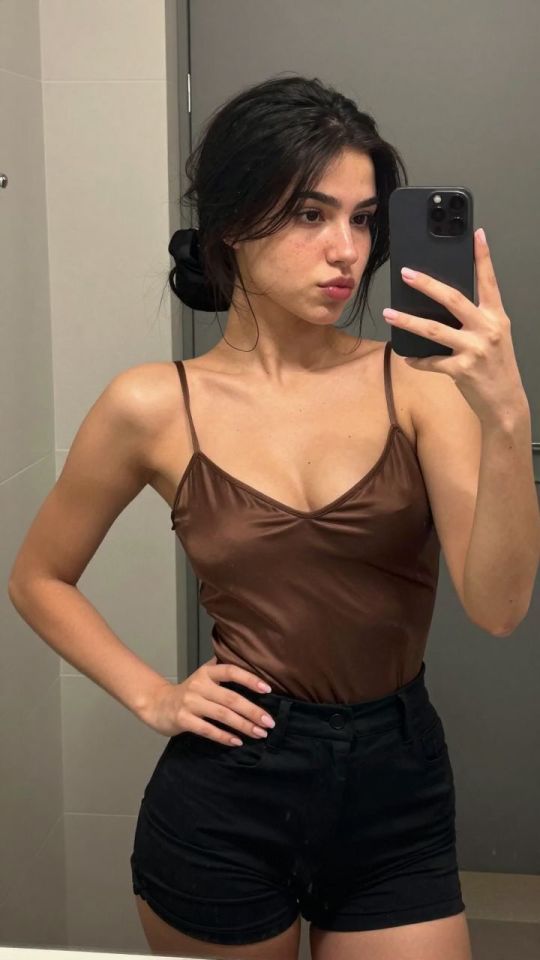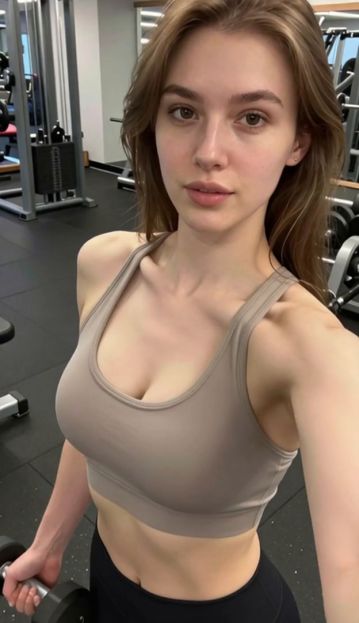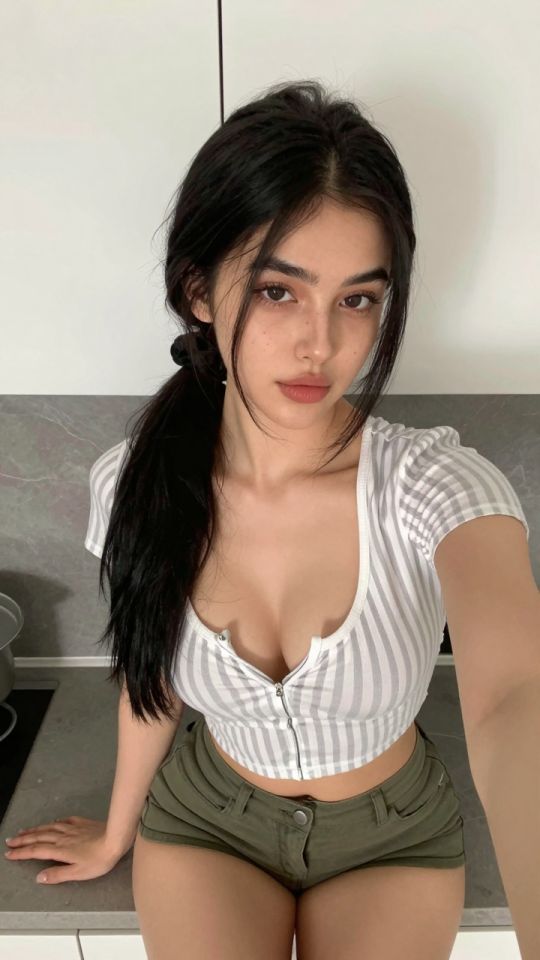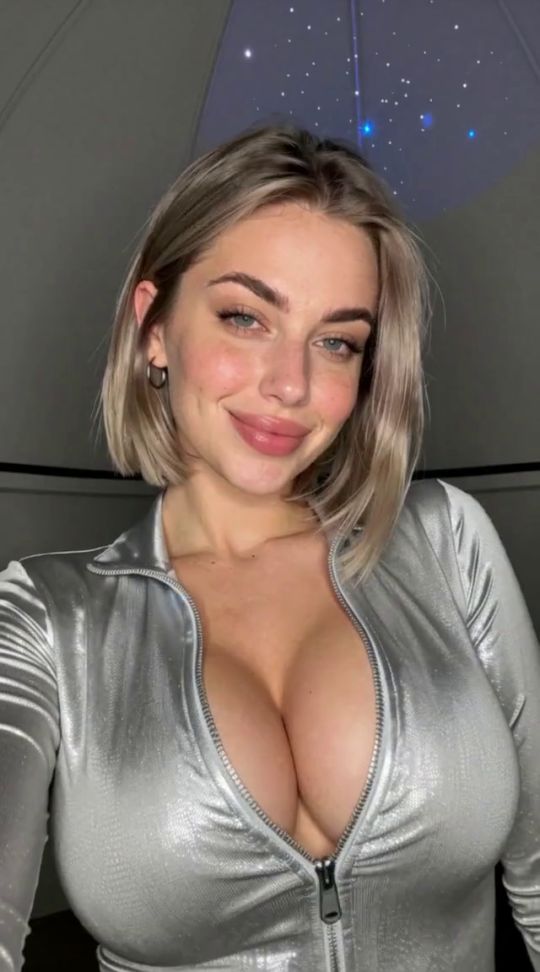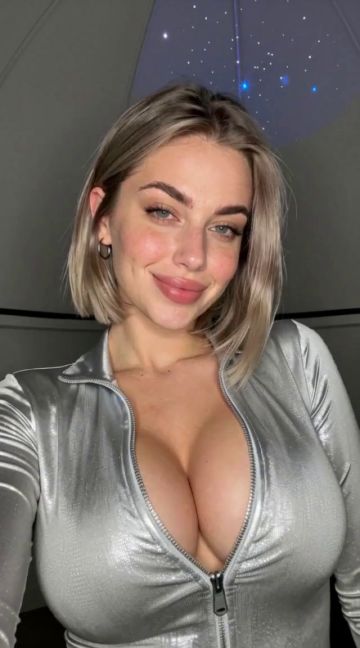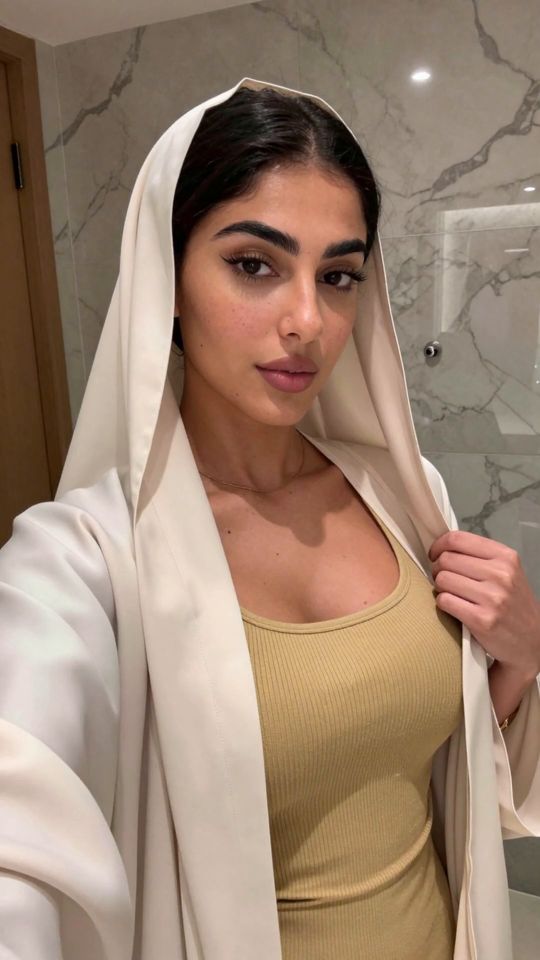
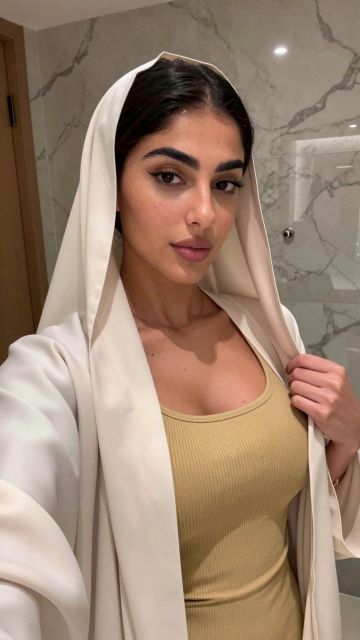
Upload an image and describe changes to clothing, background, lighting, colors, or visible details.
Describe the requested change in ordinary language.
Ask the editor to preserve identity, pose, or background.
No locked blur or promotional watermark is added.
A focused edit instruction identifies what should change and what should remain stable. For example, describe the desired background or lighting while explicitly asking to preserve the adult subject, pose, framing, and facial identity. Combining many unrelated changes in one request can make the result less predictable.
The editor is generative, so preservation instructions reduce unwanted changes but cannot guarantee pixel-identical regions. Compare the result with the source and use a second focused edit when necessary. Historical generated assets are passed to the editor through their clean original whenever one is available.
For changes limited to a selected region, use the Studio inpainting workflow. For final-resolution enhancement after editing, open the AI Image Upscaler.
Choose a supported image.
Enter one focused edit instruction.
Review and download the edited result.
You can request changes to clothing, lighting, background, color, and other visible details.
No. Generative editing can recreate fine details even when preservation is requested.
نعم. Use the result as input for another image edit.
الكبار فقط. استخدم فقط الوسائط التي تمتلكها أو لديك إذن بمعالجتها. المحتوى الذي يتضمن قاصرين, الصور غير التوافقية, أو يحظر إساءة استخدام صورة شخص آخر.
يستخدم هذا الموقع ملفات تعريف الارتباط لتحسين تجربتك أثناء التنقل عبر الموقع. من هذه, يتم تخزين ملفات تعريف الارتباط المصنفة حسب الضرورة على متصفحك لأنها ضرورية لعمل الوظائف الأساسية للموقع. نستخدم أيضًا ملفات تعريف الارتباط التابعة لجهات خارجية والتي تساعدنا في تحليل وفهم كيفية استخدامك لهذا الموقع. سيتم تخزين ملفات تعريف الارتباط هذه في متصفحك فقط بموافقتك. لديك أيضًا خيار إلغاء الاشتراك في ملفات تعريف الارتباط هذه.